Groups
A group is a collection of users.
Groups allows you to manage permissions for multiple users collectively, which simplifies the process of granting and managing access to resources.
Instead of assigning permissions to each individual user, you can assign permissions to groups, and this makes it easier to manage and maintain access control.
IAM user groups help streamline access management by allowing you to assign permissions to a group of users, rather than configuring permissions for each user individually.
Permissions – You can attach policies to a group, and all the users in that group inherit the permissions defined in those policies. This helps ensure consistency and easy management, especially in larger organizations.
As your organization grows, managing permissions at the group level becomes more efficient than managing permissions for individual users.
Flexibility – Users can belong to multiple groups, which allows you to apply fine grained permissions by organizing users into different groups based on their roles or responsibilities.
Use-cases
Development team – create a group for your development team and assign policies that allows access to specific development resources.
Administrators – create an administrators group with policies that grant full access to services.
Read only access – Create a read only access group for users who only need to view resources without making changes.
Hands on creating groups and assigning permissions
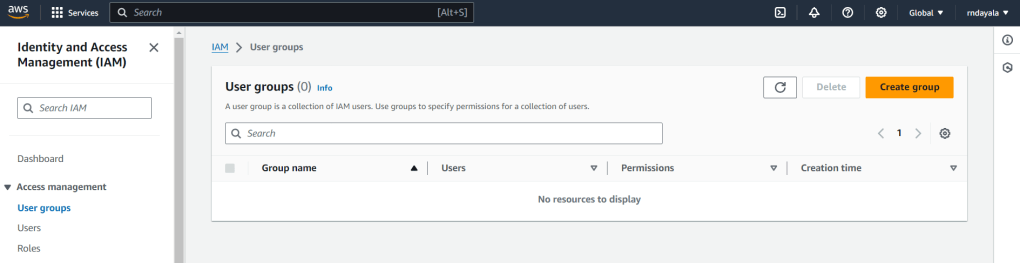
Click on Create group.
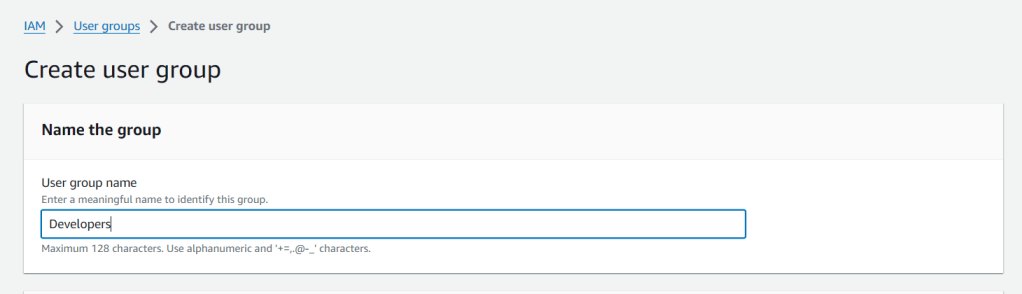
If you scroll below –
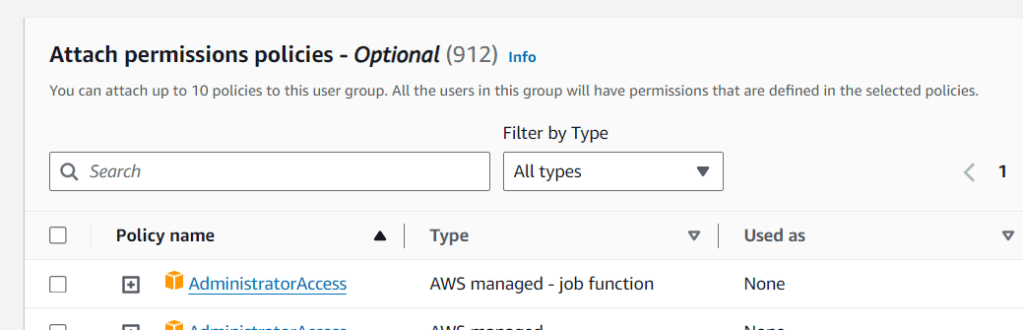
you can see that, you can attach up to 10 policies to this user group. All the users in this group will have permissions that are defined in the selected policies.
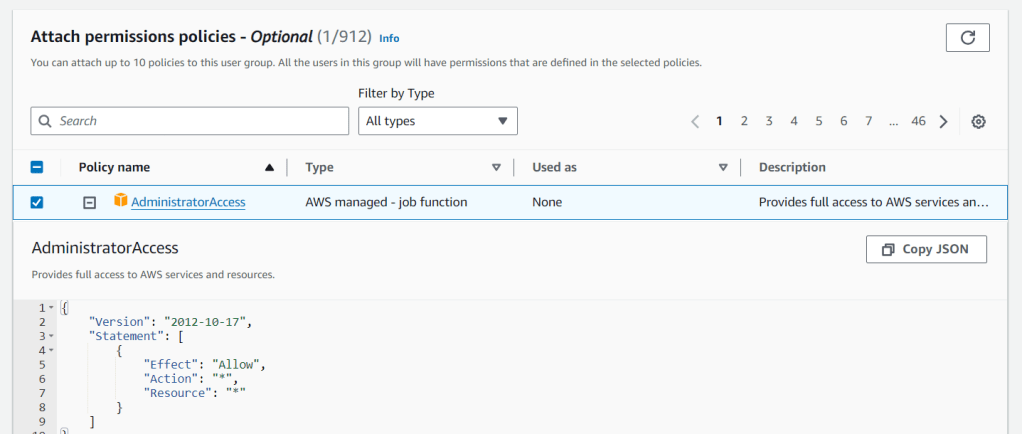
Then click on Create group.
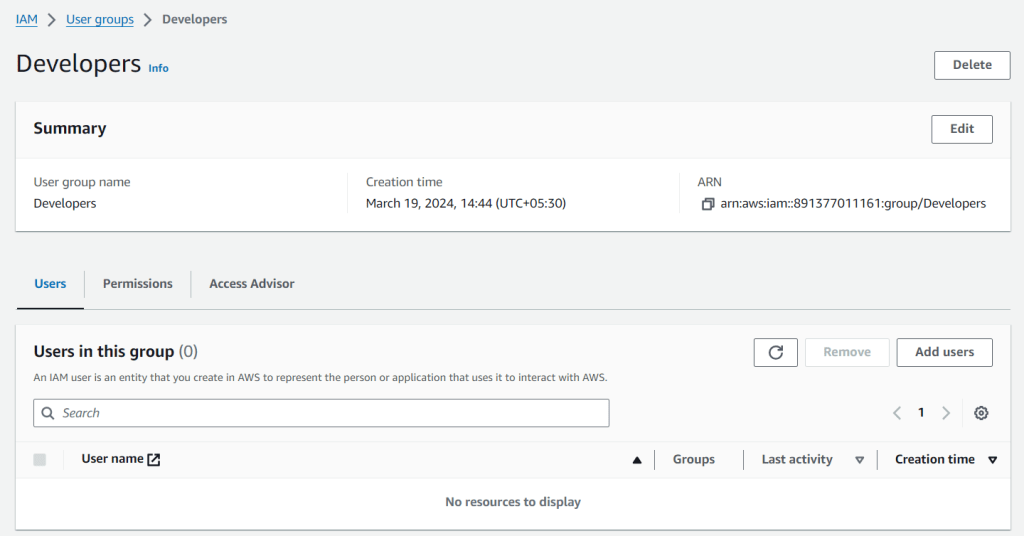
Now you can see, a group with name ‘Developers’ created.
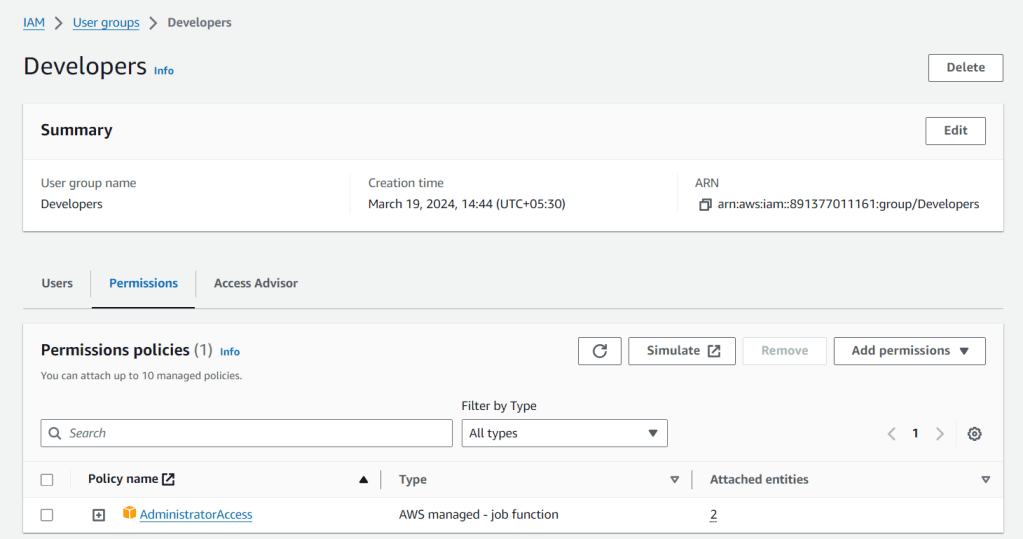
You can add users to this group, or if any users already exists, you can remove users from the group.