go to the link – https://docs.aws.amazon.com/cli/latest/userguide/getting-started-install.html
Download and run the AWS CLI MSI installer for Windows (64-bit):
click this link – https://awscli.amazonaws.com/AWSCLIV2.msi
Alternatively, you can run the msiexec command to run the MSI installer.
After downloading it, install the CLI.
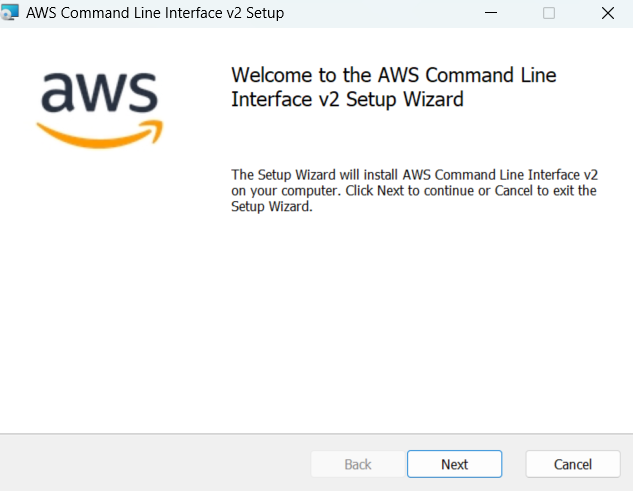
Accept the License agreement and continue..
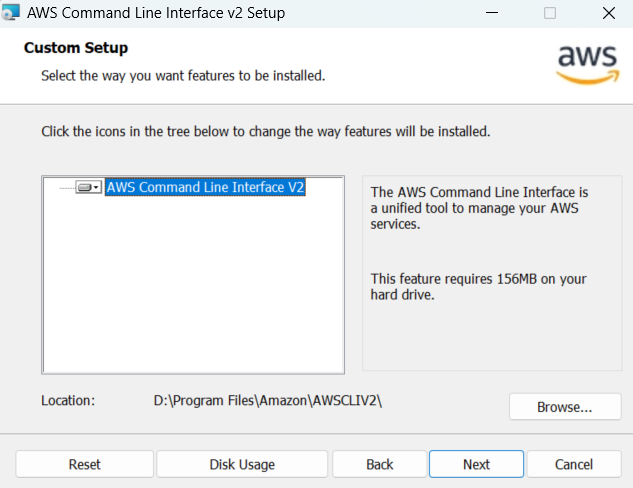
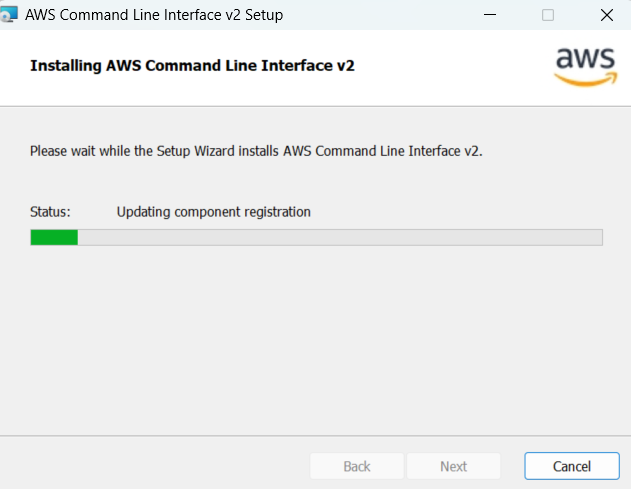
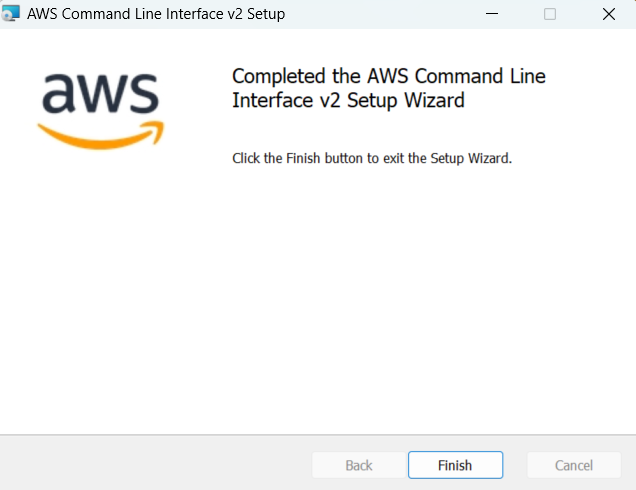
Click on Finish to complete the installation.
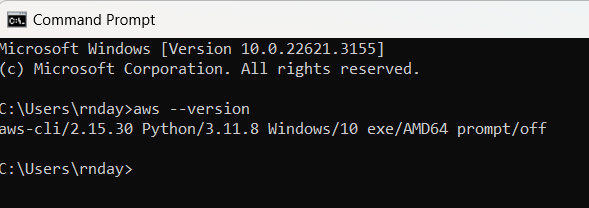
To confirm the installation, open the Start menu, search for cmd to open a command prompt window, and at the command prompt use the aws --version command.
 Bits, Bytes and Brains