Development Environment setup
Setting up IntelliJ IDEA for Scala involves installing the Scala plugin and ensuring the necessary tools are in place, such as the Scala SDK and the build tool (SBT or Maven).
Ensure Java JDK is already installed.
Install IntelliJ IDEA
- Go to the IntelliJ IDEA download page.
- Download and install the Community (free) or Ultimate (paid) edition of IntelliJ IDEA, based on your needs.
- Follow the installation instructions for your operating system.
Plugins for Scala Development
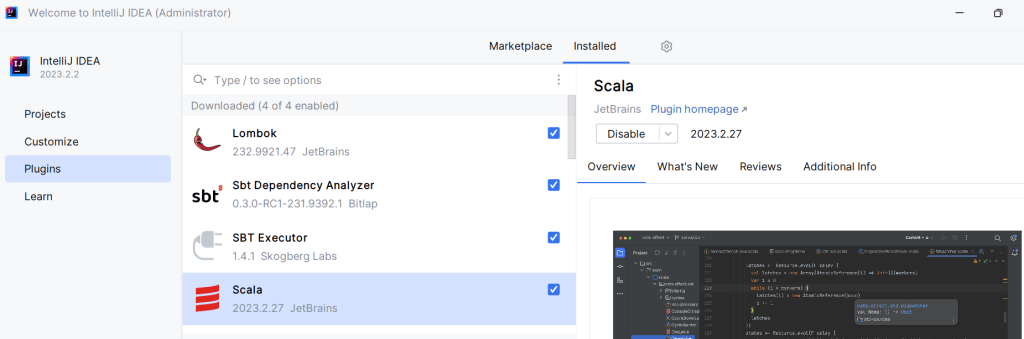
We need to install these plugins :
- Scala
- sbt – Scala Build Tool
Once we have these plugins installed, IntelliJ can understand Scala code.
Create New Scala project
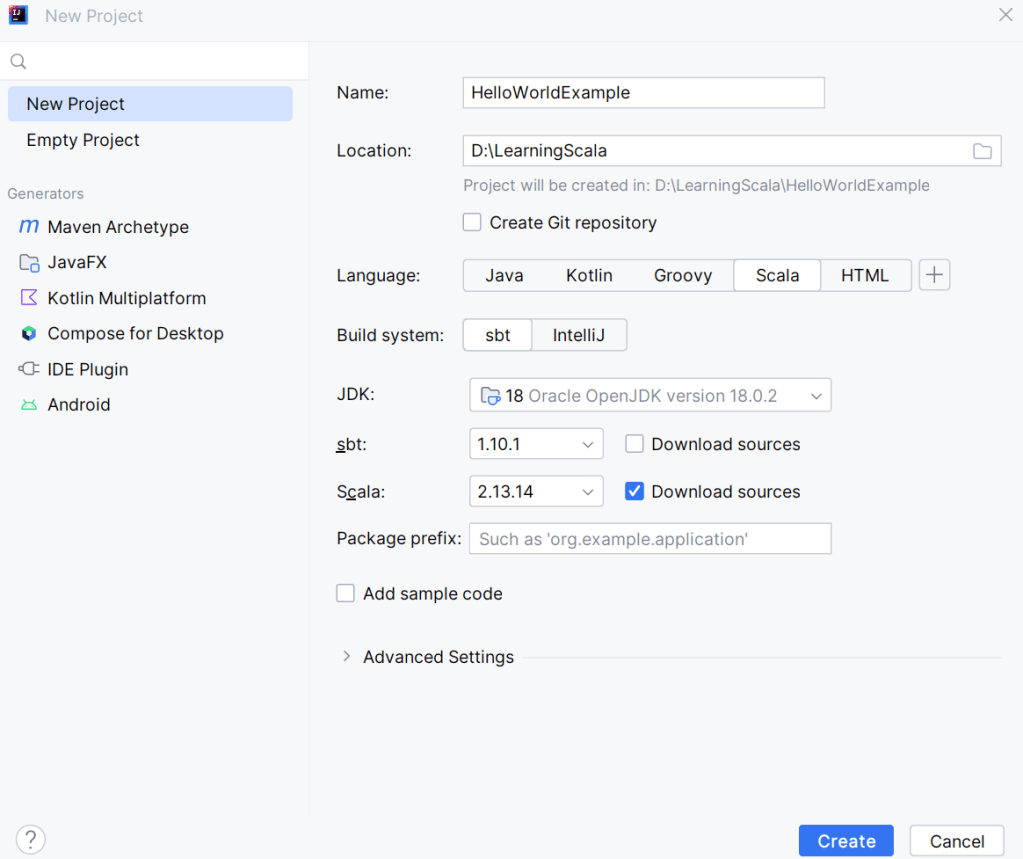
The project structure looks like this :
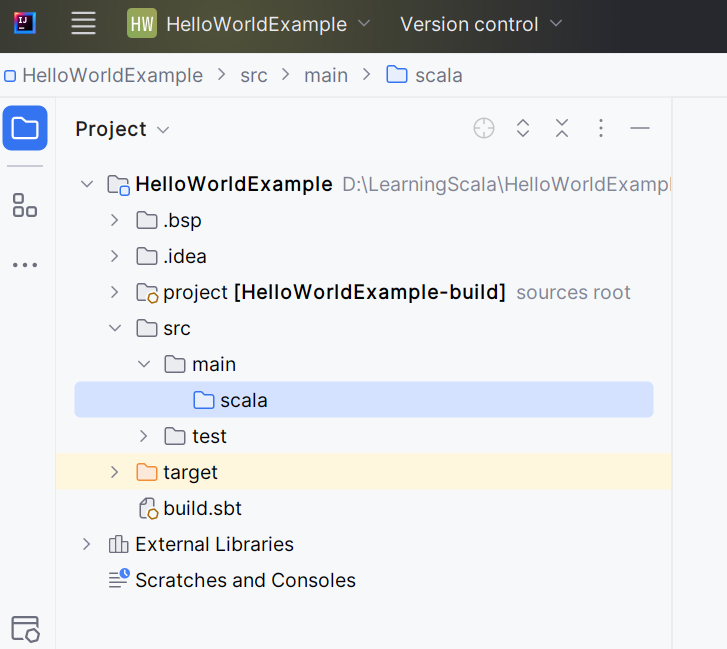
Create HelloWorld object
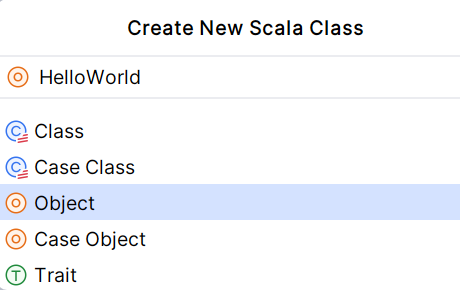
object HelloWorld {
  def main(args: Array[String]): Unit = {
    println("Hello,World! Welcome to Scala!!")
  }
}
O/p:
Hello,World! Welcome to Scala!!
IntelliJ setup is working fine and you could able to run your Scala application.
Explanation :
object HelloWorld
object: In Scala,objectis used to define a singleton object. A singleton object is an object that has exactly one instance in the program, similar to a static class in Java.HelloWorld: The name of the object. This is where the entry point of the program resides (i.e., themainmethod). Unlike Java, Scala does not require a separate class with a staticmainmethod for a program’s entry point; it can simply be anobject.
def main(args: Array[String]): Unit
def: This is how a function or method is defined in Scala.main: This is the name of the method. Just like in Java, Scala programs start executing from themainmethod. The method serves as the entry point to the application.args: Array[String]:args: This is the parameter passed to themainmethod, which represents command-line arguments.Array[String]: This means thatargsis an array of strings, where each string represents a command-line argument passed when the program is run.
: Unit: The return type of themainmethod isUnit, which is similar tovoidin Java. It means that themainmethod does not return any value.
println("Hello, World! Welcome to Scala!!")
println: This is a built-in Scala method used to print a string followed by a new line to the console (similar toSystem.out.printlnin Java)."Hello, World! Welcome to Scala!!": This is the string that gets printed to the console.
Complete Flow
- Program Execution Starts: The program begins execution in the
mainmethod of theHelloWorldobject. - Printing the Message: When the program runs, the
printlnfunction is called, and it prints"Hello, World! Welcome to Scala!!"to the console. - Program Ends: Once the
printlnstatement executes, the program terminates because there are no more statements to execute.
Key Points
object: Defines a singleton object in Scala, acting as the container for themainmethod.mainmethod: The entry point of the program that takes an array of command-line arguments.println: Prints text to the console.

