Copying template files to Project directory
We are going to write our first C++ program here :
Here, we are using Visual Studio Code. How to get the project template :
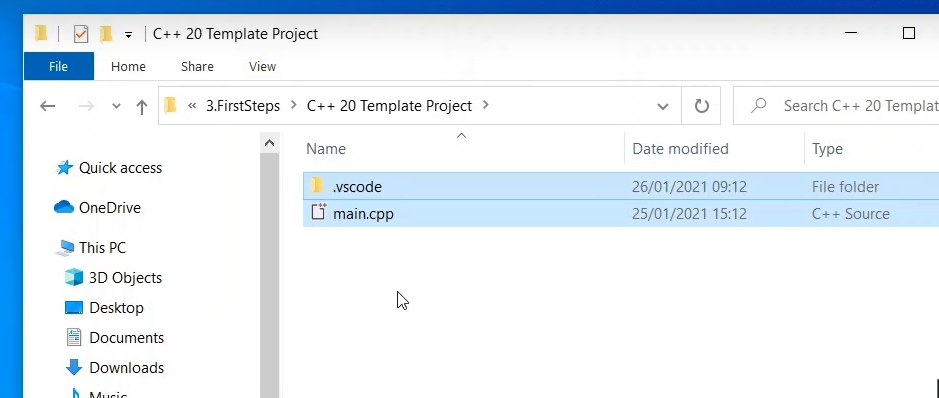
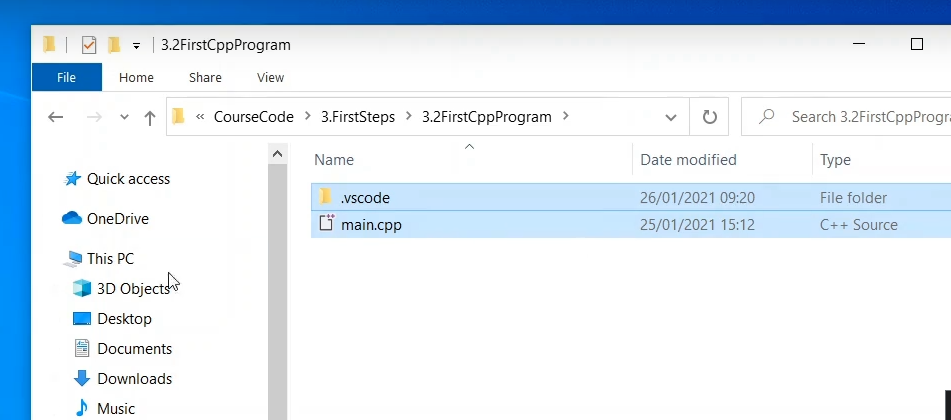
We are going to copy the template files to our project directory.
Launch Visual Studio code IDE
Then open the project in Visual Studio Code IDE. Launching the IDE using powershell prompt.
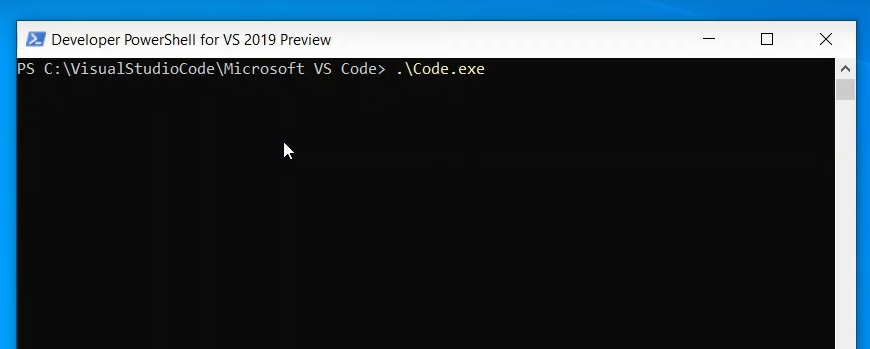
Once the IDE is opened, you can now open the project folder.
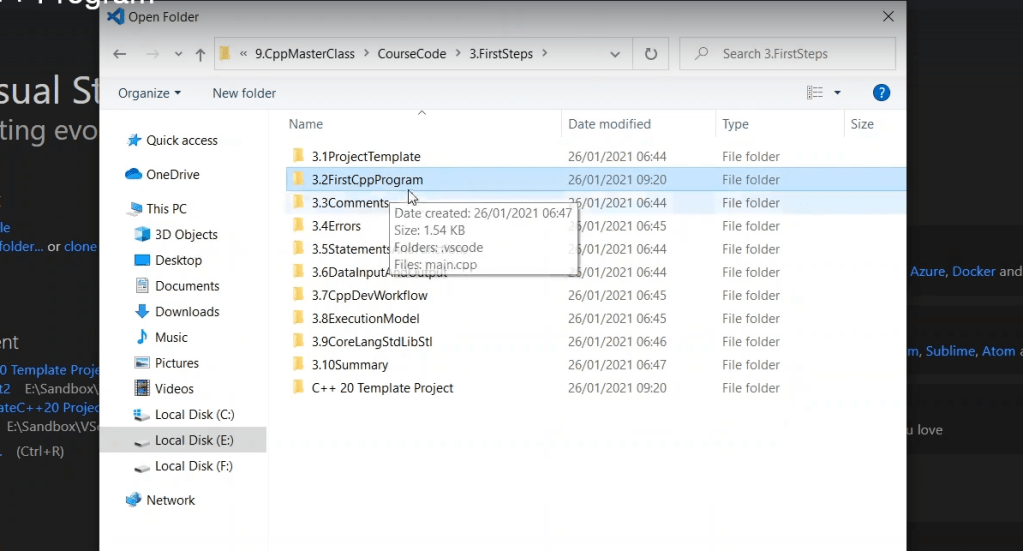
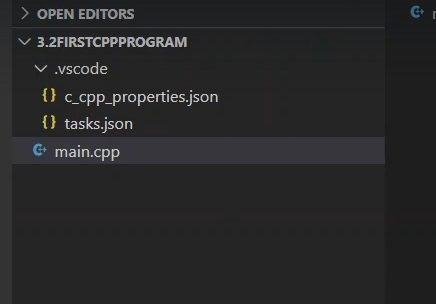
You can see the files in the IDE explorer.
First C++ Program – Hello,World program
#include <iostream>
using namespace std;

int main() {
    std::cout << "Hello,World!" << std::endl;
    return 0;
}- main() function is the entry point of your program.
#include: In C++, all lines that start with pound (#) sign are called directives and are processed by a preprocessor which is a program invoked by the compiler. The #include directive tells the compiler to include a file and #include<iostream>. It tells the compiler to include the standard iostream file which contains declarations of all the standard input/output library functions.
using namespace std: This is used to import the entity of the std namespace into the current namespace of the program. The statement using namespace std is generally considered a bad practice. When we import a namespace we are essentially pulling all type definitions into the current scope. The std namespace is huge. The alternative to this statement is to specify the namespace to which the identifier belongs using the scope operator(::) each time we declare a type.
int main(): This line is used to declare a function named “main” which returns data of integer type. A function is a group of statements that are designed to perform a specific task. Execution of every C++ program begins with the main() function, no matter where the function is located in the program. So, every C++ program must have a main() function.
{ and }: The opening braces ‘{‘ indicates the beginning of the main function and the closing braces ‘}’ indicates the ending of the main function. Everything between these two comprises the body of the main function.
std::cout<<“Hello World”;: This line tells the compiler to display the message “Hello World” on the screen. This line is called a statement in C++. Every statement is meant to perform some task. A semi-colon ‘;’ is used to end a statement.
return 0; : This is also a statement. This statement is used to return a value from a function and indicates the finishing of a function. This statement is basically used in functions to return the results of the operations performed by a function.
References –
https://www.geeksforgeeks.org/writing-first-c-program-hello-world-example/
Indentation: As you can see the cout and the return statement have been indented or moved to the right side. This is done to make the code more readable. In a program as Hello World, it does not hold much relevance, but as the programs become more complex, it makes the code more readable, less error-prone. Therefore, you must always use indentations and comments to make the code more readable.

